Deadline Drift: What Happens When a Law Firm Deadline Changes and Nobody Downstream Knows
A mediation date moves from Tuesday to the following Monday. The paralegal who took the call updates the calendar within the hour. Nobody tells the associate who spent Thursday finishing exhibits for the original date. Nobody tells the office manager who already confirmed a conference room and a court reporter for Tuesday. The date is now correct. Almost everything attached to it is not.
That gap has a name: deadline drift. It's the distance between a date changing and everyone who depends on that date finding out. A missed deadline rarely starts with a missed deadline. It starts days or weeks earlier, when an update reaches the calendar and stops there.
Most firms treat this as a communication problem: someone forgot to send an email. It isn't. It's a structural one. This article walks through where drift starts, why it spreads faster than firms expect, and what actually closes the gap.
Jump to a Section
- The date changes. The file doesn't get the memo.
- Why one update doesn't reach everyone holding the file
- A date is not a dependency
- Where drift hits hardest: paralegals running multiple cases
- How drift compounds across a firm
- Closing the gap between "it changed" and "everyone knows"
- What to do about deadline drift
- Frequently asked questions
The Date Changes. The File Doesn't Get the Memo.
A deadline is never just a date. It's the anchor for a set of tasks that all assume the date is fixed: drafting, review, exhibit prep, client notice, filing confirmation. When the date moves, every one of those tasks is now built on a false assumption, and nothing forces them to update automatically.
The calendar knows the date changed because someone typed the new date in. The task list, whatever form it takes at your firm, doesn't know anything changed unless a person manually walks over and tells it. We've written before about what actually happens when a court date changes and nobody updates the file — the short version is that the calendar update and the work update are two separate events, done by two different people, on two different timelines, and the second one is optional in a way the first one never is.
This is why the same firms keep getting surprised by the same problem. It isn't that they forget to update calendars. It's that updating a calendar and updating the work behind it were never actually the same action.
Why One Update Doesn't Reach Everyone Holding the File
Ask a mid-sized firm how many places a deadline lives and the honest answer is usually four or five: Outlook, Clio or another case management system, a shared spreadsheet, a paralegal's notebook, and whatever the last email thread said. Each of those is a copy. None of them is wired to the others.
When a date changes in one place, it has to be manually re-entered everywhere else, by someone who remembers every place it lives and every person it affects. That's a lot to ask of one person on a Tuesday afternoon, and it's why most law firm deadlines fail before the due date rather than on it. The date was never the surprise. The disconnected copies were.
The firms that don't scramble when a hearing moves aren't the ones with better memories. They're the ones where tasks are attached to the deadline itself, not tracked next to it. When a deadline system is built to survive calendar changes, moving the date moves everything connected to it, instead of leaving each connected task to be found and fixed one at a time.
A Date Is Not a Dependency
This is the distinction that most deadline tracking misses: a date tells you when something is due. A dependency tells you what has to happen before it, in what order, and who's responsible for each step.
Take a filing deadline. It depends on a draft brief, which depends on partner review, which depends on the associate incorporating those edits before the draft goes back for a final read. If the court moves the filing date up by a week, every one of those internal steps needs a new target. A calendar entry doesn't know that. It just shows a new due date and assumes the chain behind it rearranged itself.
It didn't. Someone has to manually recalculate every internal deadline in that chain, and if they're doing it from memory, something in the middle gets missed. This is the real argument for tracking deadlines as work, not just as dates: the deadline is only as reliable as the visibility into the steps that lead up to it.
Here's what that looks like in practice. A response brief is due in three weeks. The internal chain is: associate drafts (due in 9 days), partner reviews (3 days), associate revises (2 days), final proofread and filing (1 day), with two days of buffer built in. If the court moves the deadline up by a week, every one of those five internal dates needs to compress, not just the final one. A dependency-aware system recalculates the whole chain the moment the anchor date moves. A calendar just shows a new due date and leaves the chain for someone to redo by hand, usually under more time pressure than the first time around.
Where Drift Hits Hardest: Paralegals Running Multiple Cases
Deadline drift doesn't distribute evenly across a firm. It concentrates on whoever is holding the most files at once, which in most small and mid-sized firms is the paralegal team.
A partner with one case that drifts has one thing to re-check. A paralegal running twenty-five active matters has to notice the drift, figure out what it touches, update every downstream task, and do it in the same afternoon they were already covering intake calls and document requests. Paralegals tracking deadlines across multiple cases end up doing this reconciliation work constantly, matter by matter, without any system flagging which ones actually shifted.
That constant manual reconciliation is where deadline anxiety comes from, and it isn't a personal coping issue. It's what happens when the job of catching drift falls entirely on a person instead of a system. We've covered the hidden cost of that anxiety for paralegals in more depth, but the short version is that vigilance is not a substitute for structure, and firms that rely on it are asking one role to absorb risk that belongs to the whole system.
How Drift Compounds Across a Firm
Caught the same day, a moved date is a five-minute fix: update the calendar, ping the two people it affects, move on. Caught three days later, it's exhibits that have to be redone, a courtesy call to opposing counsel, and a partner asking why prep wasn't ready for a hearing that, on paper, everyone knew was moved.
Now multiply that by every matter with a shifted date in a given month. A ten-attorney firm running a normal caseload will have court dates, mediation dates, and filing deadlines shifting on some fraction of its active matters every single week. Most of those shifts are minor. A few aren't, and the only way to tell the difference is to catch them early. Firms that don't have a way to do that don't have one deadline problem. They have a dozen small ones running at the same time, each invisible until the moment it becomes urgent.
This is where automation earns its place, not as a replacement for tracking but as the layer that catches drift before a person has to. Automated escalation triggers, the kind covered under workflow automation, can flag a stalled task the moment a linked deadline shifts, instead of waiting for someone to notice during a status check.
Closing the Gap Between "It Changed" and "Everyone Knows"
The wedge here isn't calendaring. Every firm already has a calendar, and most have three. The wedge is what happens in the hours after a date changes, and whether the people holding the file find out before it costs them something.
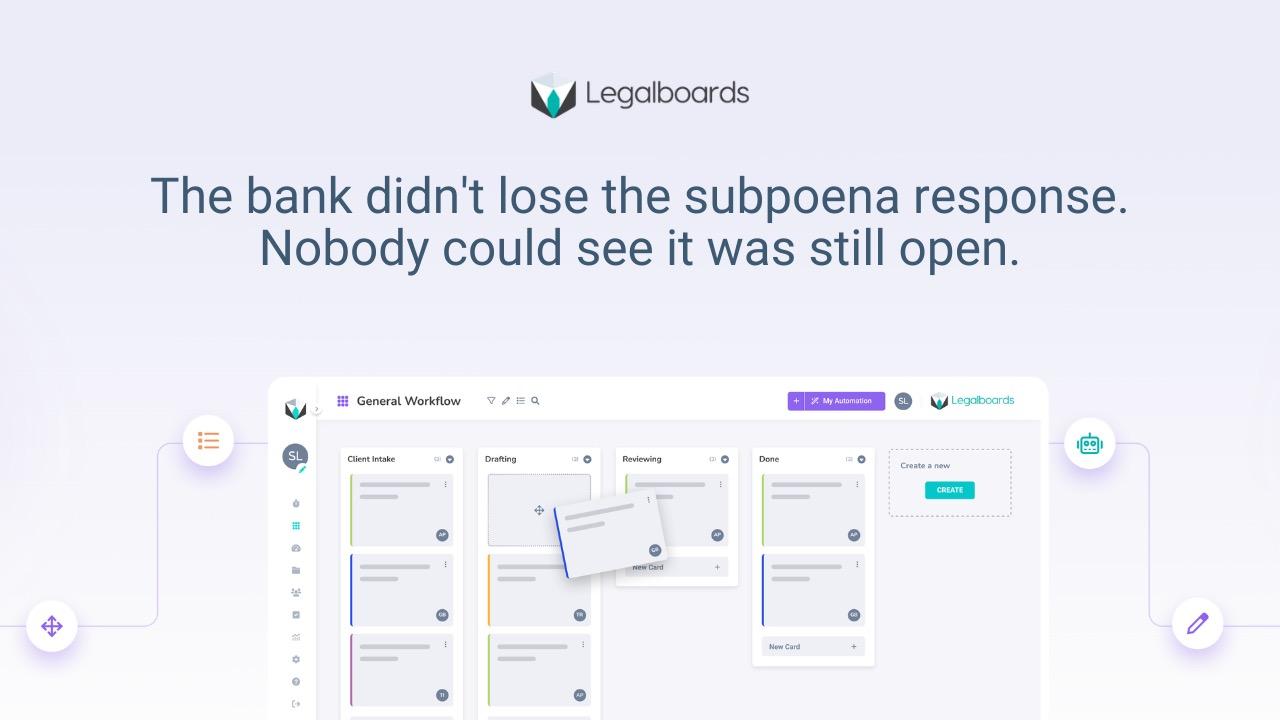
Legalboards' deadline tracking connects deadlines to the stages of work behind them, not just to a date on a calendar. When a date moves, the tasks tied to that stage are the ones that get flagged, so the update reaches the associate prepping exhibits and the office manager holding a room booking, not just the calendar. Matters that stop moving toward a deadline get flagged automatically, with an audit trail showing who owned each step and where it stalled, so the firm can see drift before it turns into a missed date rather than after.
Every matter gets sorted by movement status across the whole firm, not just case by case, so at-risk and idle matters surface on their own instead of waiting for someone to ask. Stages stay linked to the case management system you already use, Clio included, so this runs alongside your existing setup rather than replacing it.
See How This Works in Legalboards
If deadline drift is a recurring problem at your firm, and not just a one-off bad week, it's worth seeing how deadlines connect to actual work status instead of sitting next to it. See how this works in Legalboards.
What to Do About Deadline Drift
- Attach tasks to deadlines, not next to them. If a calendar update and a task update are two separate manual steps, drift is guaranteed. They need to be the same action.
- Map the dependency chain before you automate anything. Know what has to happen before a deadline, in order, and who owns each step, before you try to speed any of it up.
- Stop asking one person to catch every shift. If reconciling drift depends on a paralegal remembering every matter it touches, it will eventually get missed. That's a systems gap, not a performance issue.
- Treat a stalled task as an early warning, not a footnote. Work that stops moving toward a deadline is the first signal of drift, days or weeks before the date itself is at risk.
- Review changed dates weekly, not just when a hearing is days out. Catching drift the same week it happens is a five-minute fix. Catching it the week of trial is not.
Frequently Asked Questions
How is deadline drift different from just missing a deadline?
A missed deadline is the end result. Deadline drift is what happens in between: a date changes, the calendar reflects it, but the tasks and people tied to the original date keep operating as if nothing moved. By the time it surfaces as a missed step, the drift has usually been building for days.
How is this different from my calendar?
A calendar shows you a due date. It doesn't show you whether the work behind that date is still on track after the date changes. Deadline tracking built around work stages shows progress and ownership, not just the date itself, which is what actually catches drift early.
What happens when a matter goes idle after a date changes?
Matters that stop moving get flagged automatically once they cross a defined threshold, with a notification to the owner and, depending on how it's set up, to the managing partner. Nobody has to remember to check.
Can alerts for stalled or drifted work be automated?
Yes. Idle thresholds can be set per stage or practice area, so a matter that stops moving after a deadline shifts triggers an alert on its own instead of waiting for someone to notice during a status meeting.
Does closing this gap actually reduce burnout?
It reduces the part of burnout that comes from being the only backstop against drift. When the system flags stalled work automatically, workload gets redistributed before it becomes a crisis, instead of a paralegal absorbing the stress of catching everything manually.