
A hearing gets pushed two weeks. The paralegal who took the call updates the calendar the same afternoon. Nobody tells the associate building exhibits for the original date, so he keeps preparing for a hearing that no longer exists on that day. This is what most law firm deadline tracking actually looks like once a date changes: the date gets fixed, and everything chained to it does not.
Why One Calendar Update Doesn't Reach the Whole Case
A deadline is rarely just a date. It is the anchor for a set of tasks that all assume the date is fixed: exhibit prep, witness confirmations, filing drafts, client notice. When the date moves, every one of those tasks is now working off stale information, and nothing about updating a calendar entry tells them that.
The calendar and the task list usually live in different places. The calendar shows the date changed. The task list, whether it is a shared spreadsheet, a paralegal's notes, or someone's memory, does not know the calendar changed unless a person manually connects the two. That connection depends entirely on someone remembering to make it, for every task, every time.
This is not a discipline problem. It is a structural one, and it is the same root cause behind why law firm deadlines fail more broadly. Even a careful team misses this occasionally, because the system does not force the update to propagate. It relies on a person doing extra work, on top of already updating the calendar, to go find everyone downstream and tell them.
A Concrete Version of How This Breaks
A family law associate is asked to have a settlement proposal ready by Friday, tied to a mediation date. The mediation gets moved up by a week after a scheduling conflict. The paralegal reschedules it and updates the firm calendar. The associate, who does not check the shared calendar daily and was told "Friday" verbally, keeps working toward the original date and finds out about the change two days before the new one, with the proposal half finished.
Nobody did anything wrong here. The calendar was accurate. The problem is that accuracy in one place does not mean visibility everywhere the date matters. The associate needed to know the moment the date moved, not find out through a hallway conversation days later.
Why This Shows Up Most in High-Volume Practice Areas
This pattern is worst in practice areas where dates shift often and for reasons outside the firm's control: family law mediations, litigation calendars subject to court scheduling, collections matters tied to court availability. A close look at how filing delays slow down collections law firm operations shows the same pattern from a different angle: one delay upstream creates a cascade of stale assumptions downstream, and nobody owns catching it.
Firms with a high volume of matters feel this more because the odds of a change landing on any given day go up with every open case. A ten-case caseload might see this friction once a month. A hundred-case caseload sees it weekly, sometimes daily, and the informal fixes that work at small scale (a phone call, a sticky note, a reminder to "check with Sarah") stop working once there are more changes than any one person can track by memory.
What Firms That Handle This Well Do Differently
Firms that avoid this scramble treat the deadline as the anchor of a workflow stage, not a standalone calendar entry. Every task connected to that stage inherits the date. When the anchor date moves, the tasks tied to it move with it, and the people assigned to those tasks get a signal that something changed, not just a calendar update they may or may not see.
This is the difference between deadline tracking and deadline dependency tracking. Tracking the date tells you when something is due. Tracking the dependency tells you what else needs to shift and who needs to know, the moment it shifts.
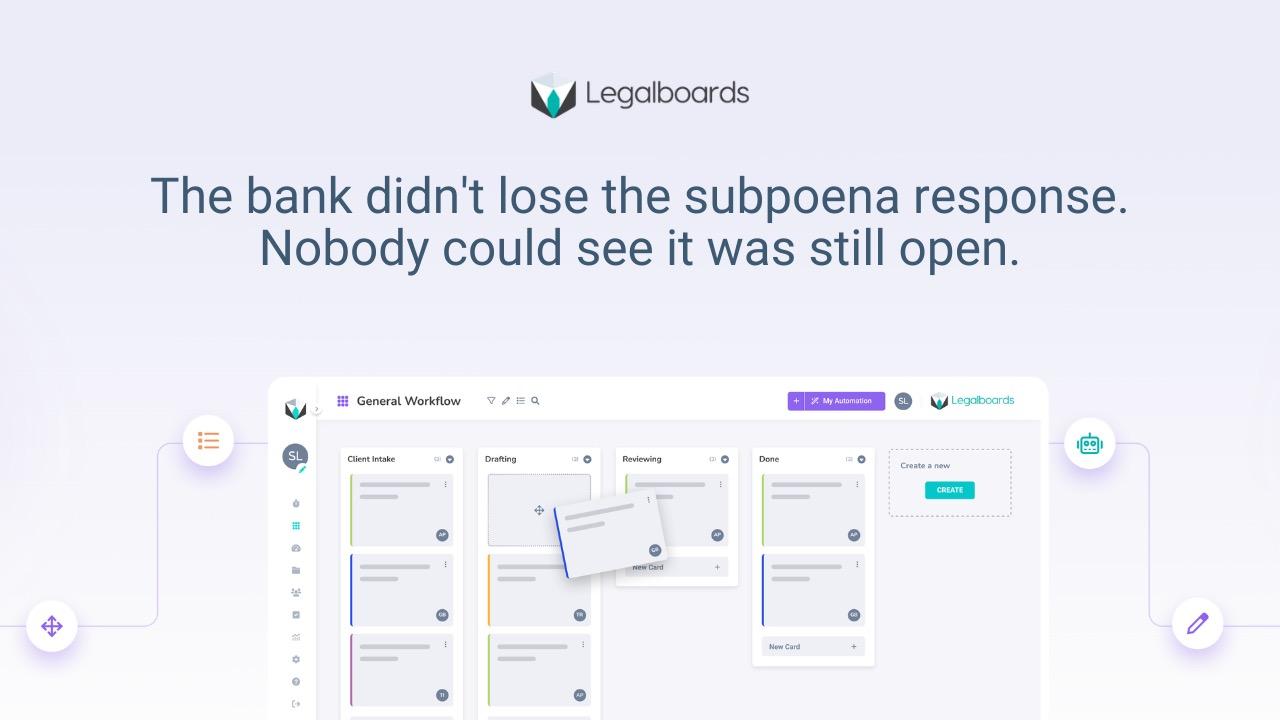
Legalboards handles this by tying tasks directly to the case stage that holds the deadline, so a date change on the stage updates every task inside it and notifies the people assigned. The point is not a smarter calendar. It is making sure a single change reaches everyone whose work depends on it, without a person having to chase that down manually.
How to Start Fixing This
Map which tasks are downstream of your most common deadline types: hearings, filings, mediations, statute dates. For each one, name who should be notified the moment that date changes, not just who owns the calendar. Then stop treating the calendar as the source of truth for anything beyond the date itself. If you want a system-level view of the fix rather than the individual habit, our deadline system for handling calendar changes walks through it stage by stage.
A calendar tells you when. It does not tell you what breaks when the when changes.
Frequently asked questions
Why do deadline changes cause so much rework at law firms?
Because most firms track the date and the tasks connected to it in separate places. Updating the date in a calendar does not automatically notify everyone whose work depends on that date, so tasks keep moving toward a deadline that no longer applies.
Is this a communication problem or a system problem?
Both start as communication problems and become system problems once the firm grows past a size where everyone can track changes by talking to each other. A system that connects tasks to their deadline removes the dependency on someone remembering to speak up.
What is deadline dependency tracking?
It means every task tied to a deadline is connected to that deadline in the same system, so a change to the date automatically flags or shifts the dependent tasks, instead of leaving them pointed at outdated information.
Does better deadline tracking mean fewer missed dates?
It reduces the scramble that happens after a date changes, because the people affected find out immediately instead of discovering it after work has already gone in the wrong direction. It does not eliminate the need for a team to actually respond once notified.
How does Legalboards handle a deadline change?
Legalboards ties tasks to the case stage holding the deadline, so moving the anchor date shifts the connected tasks and flags the assigned owners, rather than leaving the change isolated in a calendar entry nobody else checks.
If your firm's calendar and task list are still two separate systems, see how tying deadlines to workflow stages closes that gap → app.legalboards.io/register