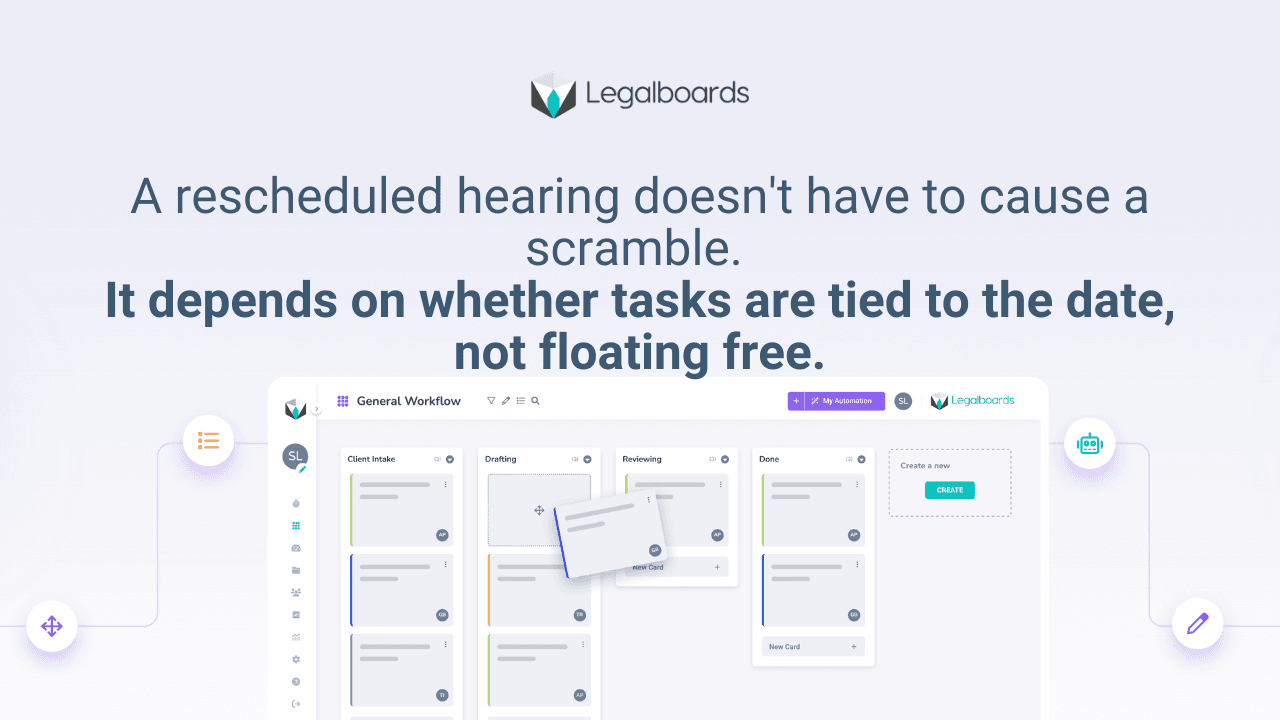
The difference between a firm that shrugs off a rescheduled hearing and one that scrambles for two days is not luck. It is whether tasks are attached to the date or floating free, tracked separately by people who have to remember to reconnect them every time something moves. Deadline tracking software law firm teams actually rely on has to do more than hold a date. It has to hold what depends on that date.
The Shift From Tracking a Date to Tracking a Dependency
Most calendar tools do one job well: they tell you a date is coming. That is necessary and not enough. The moment a date changes, the real question is not "what is the new date," it is "what else has to move because of it, and who needs to know right now." A calendar answers the first question. It was never built to answer the second.
The fix is not a better calendar. It is treating the deadline as the anchor of a workflow stage, where every task inside that stage is explicitly tied to the date. Change the anchor, and every tied task shifts with it, automatically, without a person having to go find each one. We cover the pain side of this same problem, what actually happens when a court date changes and nobody updates the file, in more detail if you want to see how this breaks before it gets fixed.
What This Looks Like Operationally
Picture a filing deadline as the anchor of a case stage called "Pre-Filing Review." Inside that stage sit the tasks that depend on the date: document review, client sign-off, final proofread. Each task is not just due "sometime before filing." It is tied directly to the anchor date.
When the filing deadline shifts, whether because of a court order or an agreed extension, the anchor moves and every task inside that stage moves with it. The people assigned to those tasks see the new date attached to their own work, not just a change buried in a shared calendar they may check once a day.
This replaces the informal sync mechanism most firms run on: a paralegal's memory, a verbal heads-up, a Slack message that gets missed. None of those scale past a handful of cases, and all of them depend on someone remembering to close the loop. The same principle shows up in paralegal deadline tracking more broadly, where the person closest to the calendar is often the one absorbing the coordination cost that a system should be absorbing instead.
Where This Connects to the Rest of the Case Management Stack
A deadline system does not replace your practice management platform, it sits on top of the workflow layer that connects to it. If your firm runs on Clio, for example, the calendar sync only solves half the problem: the date updates in Clio, but the tasks tied to that date still need a place to live where a change actually moves them. That is a different job than what Clio's own scheduling tools are built to do, and it is worth being clear-eyed about which system is responsible for which part of the problem before assuming one tool covers both.
This distinction matters more as caseload grows. A firm handling twenty open matters can often patch this gap with discipline. A firm handling two hundred cannot, because the number of deadline changes in a given week outpaces what any single person can manually track and relay.
Rolling This Out Without Overhauling Everything
Start with one deadline type where changes happen often, filing deadlines, mediation dates, or hearing dates are common choices. Map the tasks that typically depend on that deadline type. Assign a clear owner to each task, not a department, a name. Then test it deliberately: move the date on a real matter and see whether the right people are notified without anyone having to chase it down.
Legalboards ties tasks to the case stage holding the deadline, so a change to the anchor date shifts every dependent task and surfaces it to the assigned owner, instead of leaving that update to whoever remembers to send it. This does not remove the need for a human to respond to a changed deadline. It removes the gap where nobody finds out until it is too late to respond well. For a broader look at how firms manage this alongside legal deadline management as a whole discipline, that piece covers the calendar side in more depth.
A deadline system is only as good as what happens the day it changes. Most firms only discover the gap in their process on the day a date moves and something downstream gets missed. The firms that avoid that discovery built the connection before they needed it.
Frequently asked questions
What makes deadline tracking software actually useful for a law firm?
The ability to connect a deadline to the tasks that depend on it, so a change to the date automatically surfaces to the people whose work is affected, rather than requiring someone to manually notify each person.
Do we need new software, or can we fix this with our current calendar?
A calendar alone will not solve this because it was not built to track task dependencies. The fix is connecting tasks to the deadline inside a workflow, whether that is a new tool or a better use of the case management system you already have.
How do we pilot this without disrupting the whole firm?
Pick one deadline type that changes often and map its dependent tasks and owners. Test the update flow on a real matter before rolling it out firm-wide.
Does this eliminate missed deadlines entirely?
No system removes the need for a team to respond once notified. What it removes is the delay between a date changing and the right people finding out, which is where most scrambles start.
How does Legalboards connect deadlines to tasks?
Legalboards attaches tasks to the case stage that holds the deadline. Moving the anchor date moves every task tied to that stage and flags the assigned owner, keeping the change visible instead of buried in a separate calendar update.
If your team is still syncing deadline changes by memory, see how tying tasks to the date closes that gap → app.legalboards.io/register