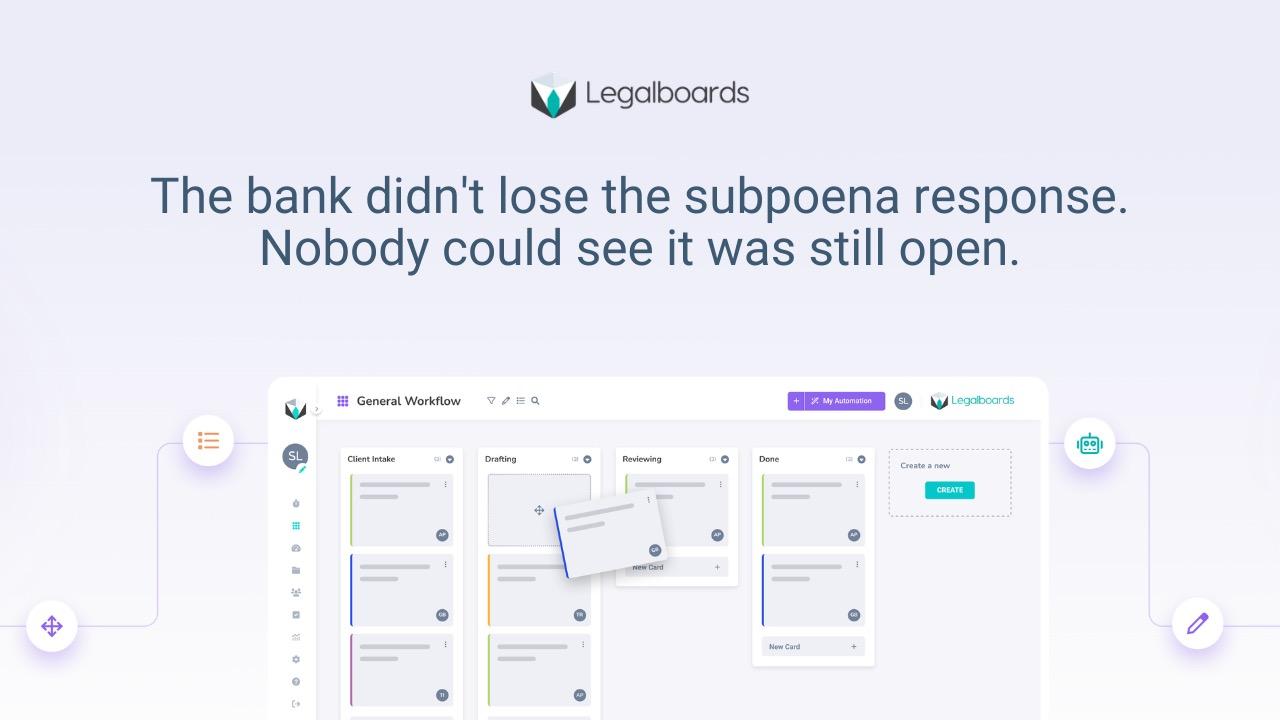
Law firms don’t miss deadlines because they forget dates.
They miss deadlines because the work before the deadline is not visible, structured, or owned.
If you are searching for how to track deadlines in a law firm, you probably already have a calendar.
A calendar tells you when something is due.
It does not tell you if the work is actually on track.
Missed deadlines are not a small mistake. They can be the mistake that destroys a case.
Why most law firms struggle with deadline tracking
Most small to mid-sized firms track dates. They do not track execution.
That gap shows up in real operations every day.
Calendars become the source of truth, even though they are only a list of events.
Reminders become the safety net, so nobody fixes the underlying workflow.
Work stays scattered across inboxes, spreadsheets, and people’s heads.
Status gets discovered through interruption. Quick pings. Follow-up emails. Last-minute meetings.
That constant interruption is not free. It creates stress, pressure, and mistakes.
When your system depends on last-minute checks, small issues turn into real risk.
What deadline tracking actually means
Legal deadline tracking is not:
“Do we know the due date?”
It is:
“Is the work that leads to the due date under control?”
There are two different questions:
When is it due?
Are we on track to meet it?
Most firms answer the first and assume the second.
That is where things break.
Even if your dates are correct, work can still stall.
That is why deadline tracking has to connect the date to the workflow.
Common ways law firms track deadlines and why they break
Most firms use a mix of these.
They all help. None solve the real problem alone.
Calendars
Better than nothing. Necessary.
But they are date-focused. They do not show progress, blockers, or ownership.
Reminders and ticklers
Useful for early warnings.
But if nobody owns the next step, reminders just create noise.
Spreadsheets
Flexible, familiar.
But manual, fragile, and outdated the moment someone forgets to update them.
Case management systems
Good for storing information.
But storing information is not the same as moving work.
If tasks are optional, people skip them.
Rules-based docketing tools
Great for calculating deadlines.
But they do not manage the work that leads to the deadline.
If your system only answers “When is it due?”, you do not have deadline tracking.
You have a date list.
How to track deadlines in a law firm step by step
This is what actually works in small to mid-sized firms.
Start small. One workflow.
Step 1: Start with one workflow
Pick one recurring matter where deadline risk is real.
Litigation responses, discovery, intake to filing.
Do not try to fix everything at once.
Step 2: Map the work before the deadline
Write the real steps. Not the ideal version.
“Response due” is not one task.
It is outline, draft, review, edits, filing, confirmation.
Break it down.
Step 3: Define stages
Stages are how work moves.
Example:
- Not started
- Drafting
- Internal review
- Client approval
- Ready to file
- Filed
If everything is “in progress”, nothing is clear.
Step 4: Assign ownership
Every stage has one owner.
Not the team. Not whoever is free.
One person responsible for movement.
Step 5: Make waiting visible
Most deadlines fail because of waiting.
- Waiting on client
- Waiting on signature
- Waiting on review
If waiting is invisible, risk is invisible.
Make it explicit:
- what you are waiting on
- who owns the follow-up
- when it will happen
This is where most firms lose control.
If you want to go deeper on this, read about law firm operational visibility.
Step 6: Track movement, not just dates
Dates don’t move. Work does.
You should be able to answer instantly:
- What stage is this in?
- What is blocked?
- Who owns the next step?
- What is at risk this week?
If you need to ask someone, your system is broken.
Step 7: Add automation after structure
Automation helps after the workflow is clear.
Not before.
Once structure exists, you can automate:
- task creation when stages change
- follow-ups when work is waiting
- escalation when something is stuck
If you want to go deeper, read workflow automation for law firms.
How to know if your system is working
A good system feels quieter.
You don’t chase status.
You don’t rely on meetings to understand progress.
Risk shows up early.
Ownership is clear.
Surprises drop.
If you still need weekly check-ins just to understand where things stand, you are still calendar-first.
Common mistakes that keep deadlines fragile
Starting with tools
New software does not fix broken workflows.
It just moves the same chaos somewhere else.
Tracking only final dates
One deadline is not enough.
You need milestones before it.
Otherwise, every warning becomes an emergency.
Unclear ownership
If nobody owns the next step, nothing moves.
Invisible dependencies
Waiting kills deadlines.
If it is not visible, it is already a problem.
Simple example
Matter: Response due April 29.
Calendar exists. Everyone feels safe.
Now add structure.
Stages
- Not started
- Drafting
- Review
- Final edits
- Ready to file
- Filed
Work breakdown
- April 20: Draft done
- April 24: Review done
- April 26: Final edits
- April 29: Filed
Ownership
- Associate drafts
- Partner reviews
- Paralegal files
Now reality hits.
On April 18, the matter becomes:
- Waiting on client declaration
Now risk is visible.
Without that, you find out on April 27.
Too late.
Reframe
Deadlines don’t fail because dates are unknown.
They fail because work is invisible.
If you want a deeper breakdown, read law firm deadline tracking.
Next step
Start with one workflow.
Map it.
Define stages.
Define ownership.
Then test it.
You can use this checklist to start: workflow optimization checklist
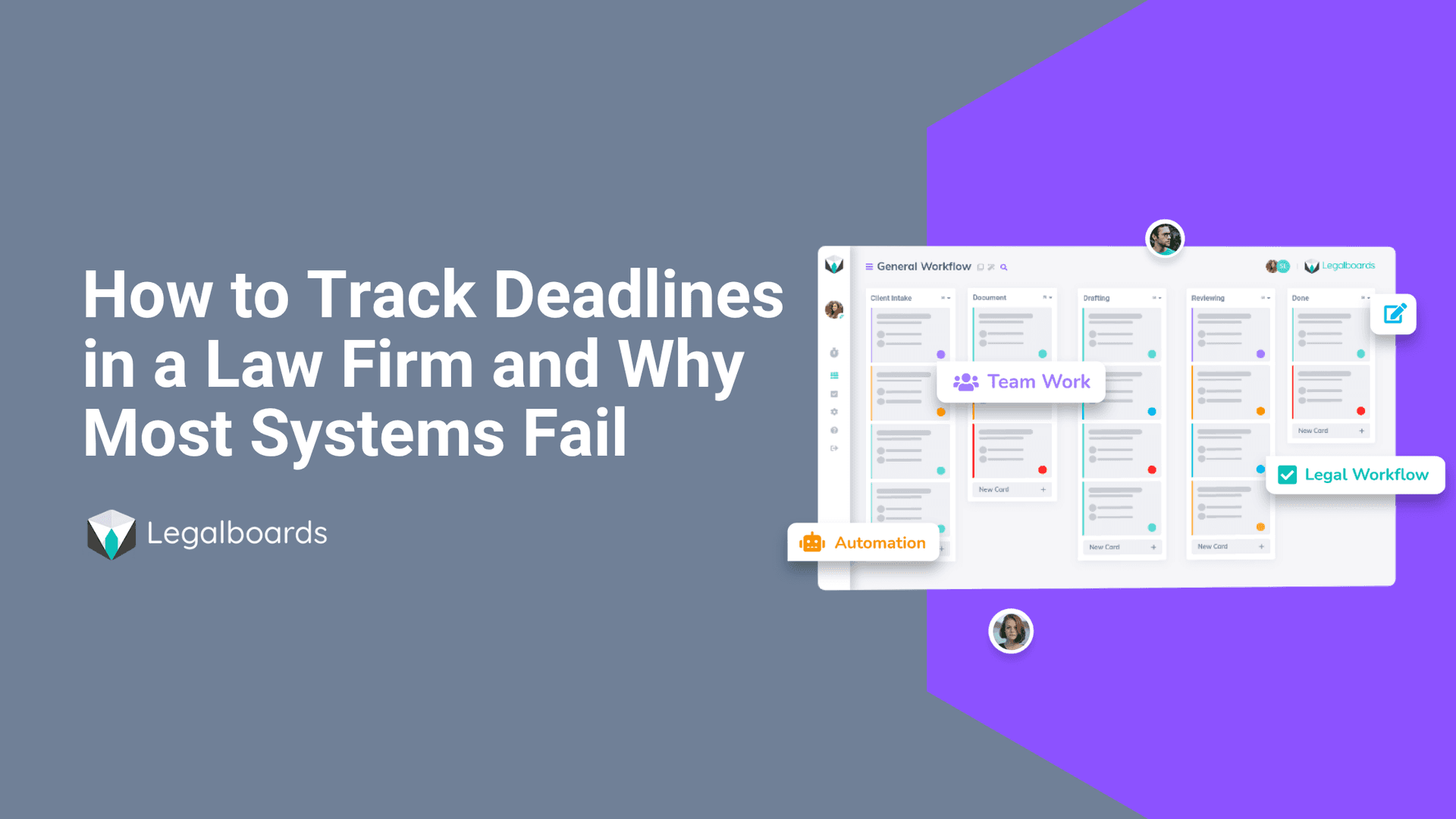
If you want to manage deadlines inside the workflow, not outside it, Legalboards helps you do that with clear stages, ownership, and real visibility.
Frequently Asked Questions
Why do law firms miss deadlines even when they have calendar reminders?
Because calendars track the date, not the work required to meet it. A reminder fires, but if no one has started drafting, collecting signatures, or reviewing the filing, the deadline is already at risk. Deadline tracking means monitoring preparation stages, not just due dates.
What is the difference between deadline tracking and task management?
Task management assigns individual to-dos. Deadline tracking connects those tasks to a timeline and shows whether the collective work required for a filing or court date is progressing on schedule. One tracks effort. The other tracks readiness.
How does workflow-based deadline tracking prevent malpractice risk?
By making the stages of preparation visible before the deadline arrives. If a matter has been sitting in drafting for five days with a filing due in three, workflow-based tracking flags that stall automatically rather than waiting for someone to notice.
Can small law firms implement deadline tracking without expensive software?
Yes. The foundation is structure, not software. Map stages, assign ownership, and make waiting visible. Tools like Legalboards add automation on top of that structure, but the first step is defining how work moves toward each deadline.