AI in law firm workflows is not a future conversation. It is happening right now, inside firms of every size, across every practice area. Attorneys are drafting with AI tools. Intake is getting automated. Case summaries are being generated in seconds.
But in most small and mid-sized firms, the workflows underneath that AI have not changed. There are no defined stages. There is no named owner for each step. There is no structured view of what has been verified, what is waiting, and what has been approved. The AI is producing outputs, and someone has to decide whether those outputs are right.
That someone is usually the paralegal.
This post is about what happens when AI in law firm workflows lands on top of unstructured processes, why that quietly shifts accountability onto the person closest to the work, and what good paralegal prompting actually looks like when the workflow underneath it is structured.
AI Does Not Create the Ownership Problem. It Reveals It.
Most law firms already had an ownership problem before AI entered the picture. Tasks changed hands without clear handoffs. Steps were completed without confirmation. Work sat in an ambiguous state between done and reviewed with nobody formally accountable for the gap.
When workflows were purely manual, that ambiguity was at least visible. Work would stall. Someone would notice. The problem surfaced because work stopped moving.
AI in law firm workflows changes that dynamic. Now work appears to move. A document gets drafted. A summary gets generated. An update gets sent. The output looks finished. It looks professional. And unless someone stops to verify it, it proceeds as if it is correct.
In a manual workflow, a missing owner means work stalls visibly. In an AI-assisted workflow with no structure underneath, work can move forward quietly with nobody having actually verified it. The failure is no longer visible. It is silent.
That is why workflow structure matters more now than it did before AI. Not because AI is unreliable. Because AI outputs at the level of the person and process behind the prompt. And if no one owns the workflow, no one owns the context that goes into it.
What Unstructured AI in Law Firm Workflows Actually Looks Like
Here is a scenario that plays out regularly in firms that have adopted AI tools without first addressing their workflow structure.
An attorney asks an AI tool to draft a demand letter using the case summary from the file. The draft comes back quickly. It looks thorough. It references the correct parties, the correct dates, the correct amounts. The attorney approves it and passes it to the paralegal to finalize.
What nobody checked: whether the case summary the AI used was current. Whether the most recent medical records had been uploaded. Whether a revised settlement figure had been communicated and logged. The AI did not know to check these things. It used what was available. And now a polished, professional-looking document has moved forward based on incomplete information.
The paralegal is the next person in the chain. They are the one who will catch this, if they catch it at all. And if they do not, they are also the person most likely to be asked what happened.
This is not a technology failure. It is a workflow structure failure. The AI ran exactly as designed. What was missing was the structure that should have existed before it ran.
Why Paralegals Specifically Absorb This Risk
Paralegals sit at the operational center of most small and mid-sized law firms. They are closest to the work. They touch the most steps. They are the ones who know that the client sent a revised document last Thursday, or that the address on file has changed, or that the insurance adjuster gave a different number in a call that was never logged.
In a structured workflow, that knowledge is documented and built into the process. In an unstructured one, it lives in the paralegal’s head. And when AI in law firm workflows runs against information that is incomplete or out of date, the paralegal is expected to catch the error before it causes damage.
The problem is not that paralegals are doing this. Many are doing it exceptionally well. The problem is that it transfers operational risk from the firm’s process to the individual doing the work. It makes reliability dependent on one person’s attention and memory rather than on the structure around them.
As AI adoption increases, this gap compounds. More outputs. More apparent movement. More places where unverified information can travel further before anyone catches it. The paralegal already carries the highest coordination load in the firm. Adding AI verification responsibility on top of unstructured workflows is not a sustainable position.
What Good Paralegal Prompting Looks Like When the Workflow Is Structured
Here is where structure pays off in practice. A paralegal working inside a structured workflow has something a paralegal in an unstructured one does not: reliable context. They know the current stage of the matter. They know what has been verified. They know who owns what. That context is what makes AI in law firm workflows produce outputs worth using.
The difference between a useful AI output and a risky one is almost never the tool. It is the quality of the prompt. And prompt quality depends entirely on whether the paralegal has structured information to draw from.
Here are three prompt templates built around real paralegal tasks. Each one is designed to work with a generic AI tool like ChatGPT or Microsoft Copilot. The bracketed fields are where structured workflow context gets inserted.
Prompt Template 1: Demand Letter Draft
Use when: the matter has reached the demand stage, all supporting documents are confirmed uploaded and current, and the settlement figure has been reviewed and approved in the workflow.
**PARALEGAL PROMPT — DEMAND LETTER ** You are helping a paralegal at a law firm draft a demand letter.Use only the information provided below. Do not assume or invent any facts.
Matter: [Client] v. [Opposing party] Practice area: [e.g. Personal injury / Family law / Employment] Current workflow stage: Demand preparation — all documents verified as of [date] Verified facts:
- Incident date: [date]
- Confirmed injuries/damages: [list from verified records]
- Medical treatment confirmed: [yes/no, provider, dates]
- Approved demand amount: [figure confirmed by attorney on date]
- Relevant deadlines: [statute of limitations / response deadline]
Draft a formal demand letter addressed to [opposing party or insurer].
Tone: professional and factual. Do not include anything not listed above.
Flag any gaps where additional information would typically be required.
Why this works: every field maps to a verified workflow step. The AI cannot hallucinate a settlement figure or an injury because the prompt requires confirmed inputs. The flag instruction at the end turns the AI into a gap detector rather than a gap filler.
Prompt Template 2: Client Status Update
Use when: a client has requested an update, or the matter has moved to a new stage and a proactive communication is due. The workflow stage and recent activity are current and confirmed.
**PARALEGAL PROMPT — CLIENT STATUS UPDATE ** You are helping a paralegal write a plain-language status update email to a client. The client is not a legal professional. Write clearly and without legal jargon.
Matter: [Client] — [matter type] Current workflow stage: [e.g. Discovery / Awaiting court date / Under attorney review] What was completed since last update: [list confirmed completed steps] What is currently in progress: [current step, owner, expected completion] What we are waiting on: [client action needed / external party / court response] Next milestone: [date or event]
Tone: calm, clear, and reassuring. No speculation about outcomes. Do not include any information not listed above.
End with a clear next action for the client if one is required.
Why this works: the prompt is built from the workflow stage view, not from memory. The paralegal is not guessing at what happened last. They are pulling from a confirmed record of what moved, what is pending, and what the client needs to do next. The output reflects the actual state of the matter.
Prompt Template 3: Task Restructure After a Court Date Change
Use when: a hearing or filing date has changed and the workflow needs to be reassessed. All original task assignments and current completion statuses are known.
**PARALEGAL PROMPT — COURT DATE CHANGE RESPONSE ** You are helping a paralegal reorganize tasks after a court date change.Use only the information provided. Do not add tasks that are not listed.
Matter: [Client] — [matter type] Original hearing date: [date] New hearing date: [date]
Tasks still pending (not yet complete):
- [Task name] — assigned to [person] — original due date [date]
- [Task name] — assigned to [person] — original due date [date]
- [Task name] — assigned to [person] — original due date [date]
Tasks already completed:
- [Task name] — completed [date] — verified by [person]
Based on the new hearing date, suggest revised due dates for each pending task.Maintain the same task owners. Flag any tasks where the timeline is now critically short.
Output as a simple table: Task | Owner | Revised Due Date | Risk Level
Why this works: this prompt turns a disruptive event into a structured response in minutes. The paralegal is not rebuilding the timeline from scratch in their head. They are feeding confirmed task status into a tool that does the recalculation. The output is a draft that the paralegal reviews and adjusts, not a final decision. The deadline drift problem does not disappear, but it becomes manageable when the workflow context is already structured.
Notice what all three prompts have in common. They require confirmed, structured inputs before they run. A paralegal without a structured workflow cannot fill in those fields reliably. A paralegal with one can. That is the point.
The Real Fix: Structure the Workflow Before AI Touches It
The answer is not to slow down AI adoption. The answer is to build workflow structure before AI in law firm workflows enters the process.
Structure means three things:
1. Defined stages with clear entry conditions
Before an AI tool runs on a piece of work, the workflow should specify what inputs are required for that stage to begin. Those conditions should be visible and owned, not assumed.
2. Named ownership at every step
Every stage needs a person responsible for it. Not a team. A specific individual. When AI generates an output, someone must own the verification of that output before it moves forward. That ownership should be explicit in the workflow, not implied by proximity to the work.
This is what separates firms that use AI confidently from those that use it anxiously. The difference is not the tool. It is whether workflow ownership is built into the process before the AI runs.
3. Visibility into what has been verified
Once an AI output is reviewed and confirmed, that confirmation should be recorded in the workflow as a completed step with a named owner. Without this, there is no way to know whether an output was reviewed or simply passed through. That ambiguity is where risk accumulates quietly, and where law firm deadline tracking starts to fail even when deadlines appear to be met.
How Legalboards Provides the Structure AI Needs to Work Safely
Legalboards is not an AI tool. It is the workflow layer that makes AI in law firm workflows safe and reliable.
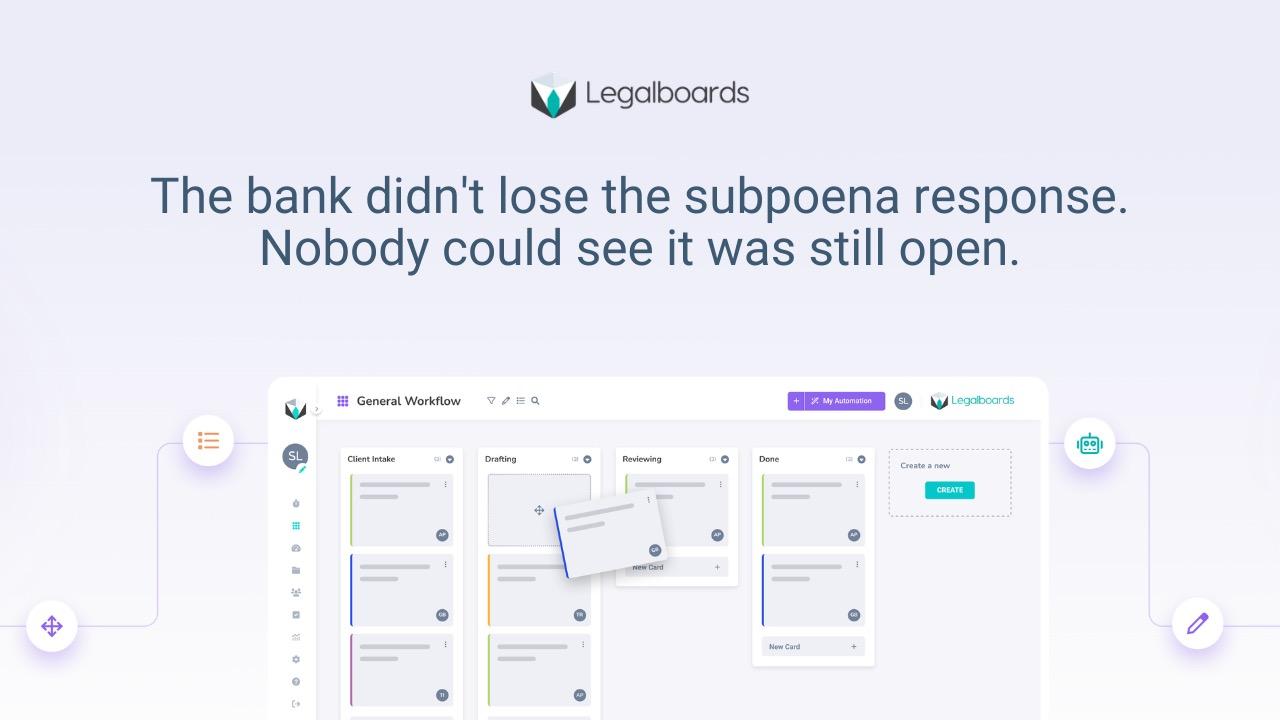
When you map a matter in Legalboards, each stage has defined steps, named owners, and completion conditions. When an AI tool produces an output, the verification of that output is a step in the workflow, assigned to a specific person, with a due date. It does not move forward until that step is marked complete.
The automation layer in Legalboards triggers the next step automatically when the previous one is done. AI-generated work moves through the same structured stages as everything else, with the same ownership and visibility requirements. Paralegals work within a system that documents what was verified, by whom, and when.
For firms already using Clio or MyCase, Legalboards sits on top of your existing system and adds the workflow layer without replacing what you already have.
Frequently Asked Questions
Why is AI in law firm workflows risky without workflow structure?
Because AI produces outputs that look finished regardless of whether the underlying information is complete or current. Without structured stages and named ownership, those outputs can move forward unverified. The risk does not disappear. It gets transferred to whoever is closest to the work.
What makes a paralegal AI prompt reliable?
A reliable prompt is built from structured, confirmed workflow context. It specifies what stage the matter is at, what has been verified, who owns what, and what the AI should and should not assume. Prompts built from memory or informal notes produce outputs that require much heavier verification.
Should law firms slow down AI adoption to manage this risk?
No. The answer is to build workflow structure before AI enters the process, not to delay adoption. Firms with structured workflows use AI confidently because the verification step is built in. Firms without structure use it anxiously because reliability depends on someone catching the error before it travels too far.
How does Legalboards help manage AI outputs in legal workflows?
Legalboards provides the workflow layer underneath AI tools. Each stage has defined steps, named owners, and completion conditions. AI-generated work moves through the same structured stages as everything else, with verification documented as a required step. This gives firms visibility into what was reviewed, by whom, and when.
Can paralegals use these prompt templates with any AI tool?
Yes. The three templates in this post are designed for generic AI tools like ChatGPT or Microsoft Copilot. They do not require a specific legal AI platform. What they do require is structured workflow context to fill in the bracketed fields accurately, which is why workflow ownership is the precondition, not the afterthought.
Build the Workflow Structure Before AI Runs on It
Legalboards gives law firms the workflow layer that makes AI outputs safe to use. Every step visible. Every owner named. Every verification documented.Start a free 7-day trial at app.legalboards.io/register — no credit card required.