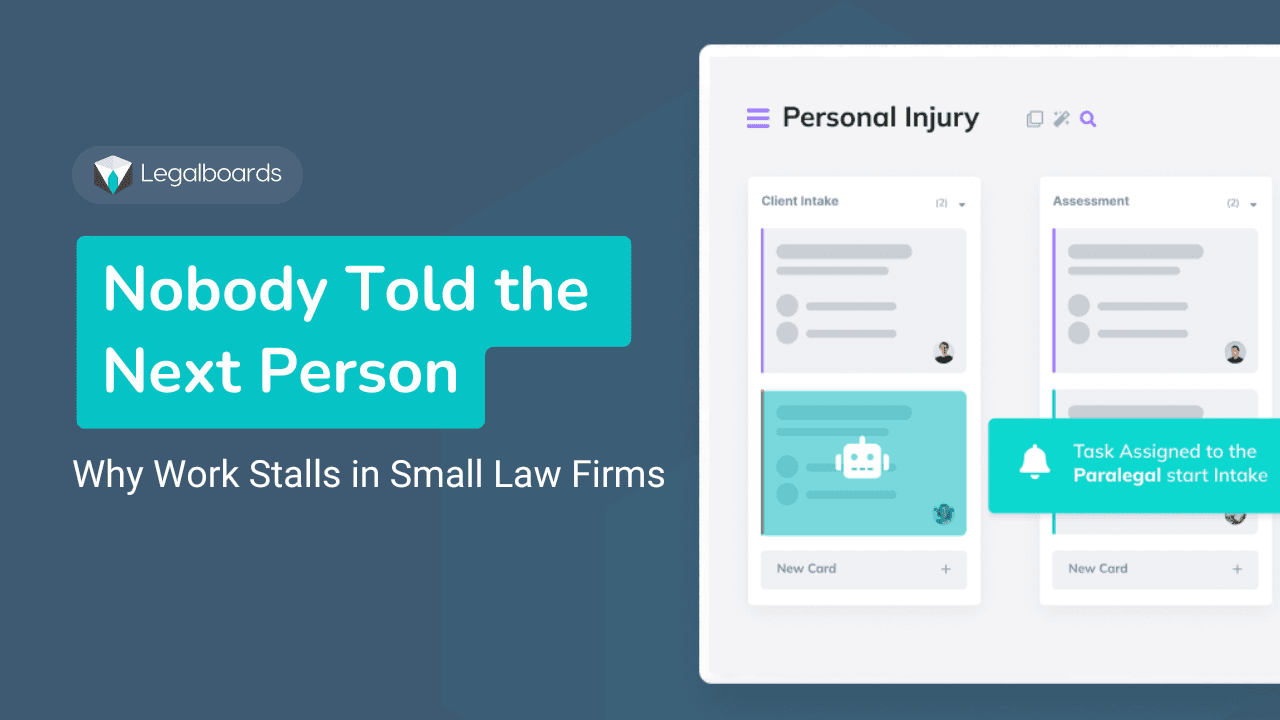

**What a workflow is in a law firm**
In a small to mid sized firm, a workflow is what moves a matter forward when nobody is actively thinking about it.
It is the chain of stages and handoffs that turns an incoming client problem into real work. Intake. Drafting. Filing. Closing.
If a matter can sit untouched until someone remembers it, the firm is running on intention, not workflow.
Bar and malpractice guidance describe this clearly. Procedures must have a beginning and an end, a sequence of steps, and defined responsibility. A workflow is that sequence, plus ownership and triggers.
This is where most firms get it wrong.
They confuse tasks with workflows.
Tasks are actions:
- call client - draft motion - send email
Workflows are movement:
- what stage the matter is in - what must be true to move forward - who owns that movement - what happens next
A checklist can support a workflow.
But a checklist without movement is just a list.
**How legal work actually moves inside firms**
In a 10 to 50 person firm, work moves through repeatable patterns.
The problem is not the work itself.
It’s the coordination between steps.
**Client intake to case opening**
Intake is not one step. It is a sequence.
pre screen and conflicts check
information gathering
engagement decision
matter setup
A matter is not “open” until:
- files are created and structured - ownership is assigned - deadlines are captured - engagement is confirmed
This is the first major failure point.
Firms think the case is open.
Operationally, it is not controlled yet.
**Drafting to review to filing**
This is where most firms think work happens.
But the real risk is not drafting.
It is transitions.
waiting for partner review
waiting for client approval
waiting for filing confirmation
Work doesn’t fail inside steps.
It fails between them.
**Document collection and follow-ups**
Most firms handle this informally:
send request
follow up manually
hope it arrives
What actually works:
- every request creates a dependency - every dependency has a follow-up date - nothing sits without a next review
If a file has no next action, it is already at risk.
**Client communication loops**
Client communication is not a task.
It is a workflow requirement.
Clients expect status. Rules require it.
Without structure:
- updates become reactive - partners get pulled in - trust drops - With structure: - updates are triggered - ownership is clear - communication is consistent
**Where workflows break in real firms**
Workflow failure is not about effort.
It is about missing structure.
**Unclear handoffs**
Work changes hands constantly.
If the next step and owner are not explicit, work stalls.
This is where things sit “in progress” but don’t move.
**Calendaring without execution**
Calendars create awareness.
They do not create movement, [deadline tracking fails](https://website-backend.legalboards.com/resources/blog/law-firm-deadline-tracking/) in practice
Firms:
- track deadlines - set reminders - assume they are safe
But:
If no one owns the work before the date, nothing moves.
This is why deadline tracking fails in practice.
This is why [deadline tracking fails](https://website-backend.legalboards.com/resources/blog/law-firm-deadline-tracking/) in practice
**Waiting is invisible**
Most work is waiting.
- waiting on client - waiting on partner - waiting on third party
If waiting is not visible, it does not exist until it becomes urgent. This is exactly what [operational visibility solves](https://website-backend.legalboards.com/resources/blog/law-firm-operational-visibility/).
**Work is scattered**
Status lives everywhere:
- inbox - spreadsheets - notes - memory
So status becomes a question instead of a system to build your [law firm **operational visibility**](https://website-backend.legalboards.com/resources/blog/law-firm-operational-visibility/).
**No shared stages**
Without standard stages:
- every lawyer works differently - staff guesses what to do - coordination breaks
Consistency is what makes workflows reliable.
**What structured workflows look like**
A real workflow system is simple.
It has structure.
**1. Stages**
5 to 7 stages.
Each stage:
- has a clear meaning - has entry and exit rules - Not tasks. - States.
**2. Ownership**
Every stage has one owner.
Not a team.
Not “whoever is available.”
One person responsible for movement.
**3. Sequence and handoffs**
Work moves in a defined order.
Handoffs include:
- what is being passed - what must happen next - who owns it
**4. Dependencies and waiting**
Waiting is part of the workflow.
Not an exception.
Every dependency must have:
- visibility - an owner - a follow-up moment
**5. What makes workflows reliable**
Across all sources, the same pattern shows up:
- centralized visibility - clear ownership - reminders before deadlines - confirmation of completion - consistent adoption
This is what reduces risk, check [how workflow automation works in law firms](https://website-backend.legalboards.com/resources/blog/workflow-automation-law-firms/).
**Example: litigation workflow**
Stages:
- not started - drafting - internal review - approval - filed
Each stage:
- has an owner - has a next step - has a defined outcome
The key is not the steps.
It is the movement between them.
**Why workflows matter for deadlines and visibility**
Deadlines don’t fail because dates are missing.
They fail because work is invisible.
Without workflow:
deadlines are just calendar entries
status requires asking
risk appears late
With workflow:
- progress is visible - blockers are clear - risk appears early
This is where [operational visibility ](https://website-backend.legalboards.com/resources/blog/law-firm-operational-visibility/)comes from.
**Where automation fits**
Automation is not step one.
It comes after structure.
If you automate a broken workflow, you scale confusion.
If the workflow is clear:
- transitions can trigger tasks - waiting can trigger follow-ups - progress becomes automatic
Read more: [Workflow automation for law firms](https://website-backend.legalboards.com/resources/blog/workflow-automation-law-firms/)
**Quick diagnostic**
You don’t have a workflow if:
you need to ask for status
work sits between people
ownership is unclear
waiting is invisible
deadlines surprise you
**Practical next step**
Start small.
Map one workflow:
define stages
assign ownership
make waiting visible
If you want a simple way to do this:
Use the [workflow optimization checklist for lawyers](https://website-backend.legalboards.com/workflow-optimization-checklist-for-lawyers/)
Frequently Asked Questions
What is the difference between a process and a workflow in a law firm?
A process tells people what to do. A workflow shows whether they did it, who is responsible for the next step, and what is stalled. Processes live in documents. Workflows live in the daily movement of work between stages and people.
Why do most law firms not have real workflows?
Because most firms rely on case management systems that store data but do not control how work moves. Matters sit in lists without defined stages, owners, or transition rules. The result is coordination by email and memory rather than by structure.
How do workflows connect to deadline tracking and operational visibility?
Workflows define how work moves. Deadline tracking monitors whether that movement is keeping pace with due dates. Operational visibility shows the status of all work across the firm. All three depend on the same foundation: structured stages with clear ownership.
Where should a law firm start when building its first workflow?
Start with one matter type. Define the stages from intake to close. Assign an owner to each stage. Make transitions between stages explicit. Once one workflow is mapped and working, apply the same structure to other practice areas.