Every law firm has a document challenge. Documents multiply quickly, versions drift, and teams waste time looking for the right file.
Contracts, filings, evidence, and internal drafts all need to be available to the right person at the right stage. When document handling is weak, the result is missed deadlines, avoidable errors, and compliance risk.
This guide explains what practical legal document management looks like for small and mid-size law firms.
Why Document Management Matters in Legal Work
Legal matters are high-stakes and deadline-driven. Most teams are handling sensitive files across multiple people, systems, and timelines.
Poor document management typically leads to:
- Missed deadlines when files are hard to find
- Costly mistakes from outdated versions
- Compliance gaps in retention and audit trails
- Security exposure and reduced client trust
A structured document management system creates clarity, accountability, and faster execution across the full matter lifecycle.
Core Challenges Legal Teams Face
Most firms run into the same pressure points:
- Version control confusion when many contributors edit the same file
- Access control complexity across attorneys, staff, and external parties
- Slow collaboration when information is scattered across tools
- Compliance overhead for retention, confidentiality, and auditability
Best Practices for Legal Document Management
- Use a centralized cloud-based document system with strong security controls.
- Enforce strict version control so the latest approved file is always clear.
- Standardize naming conventions and folder structure across the firm.
- Apply role-based permissions to protect sensitive client information.
- Archive and review files on a defined retention schedule.
- Connect documents to workflows and milestones to improve execution and workflow automation.
Tools and Technology to Consider
Legal technology integrations can strengthen document discipline and execution speed.
Common options include:
- Clio for case-linked document handling
- NetDocuments for legal-focused cloud DMS
- iManage for advanced governance and collaboration
Supporting tools such as DocuSign, Adobe Acrobat Pro, and Microsoft 365 also improve document automation and secure sharing.
Build a Culture of Document Discipline
Technology helps, but process ownership is what sustains results.
Define a clear document policy for naming, storage, permissions, retention, and secure destruction. Assign ownership across roles so everyone understands responsibilities.
Reinforce the system with training and periodic audits to identify gaps and improve continuously.
Summary
Strong document management reduces risk, improves collaboration, and keeps legal projects moving.
Whether you are a solo attorney or a growing legal team, the right structure saves time, protects quality, and improves client outcomes.
Frequently Asked Questions
What are the most common document management challenges in legal projects?
Version confusion, missing files, inconsistent naming, and weak access controls are the most common issues. These slow execution and increase risk.
How can legal teams maintain version control and avoid duplication?
Use one central source of truth, enforce versioning rules, and connect documents directly to matter workflows.
What is the best way to ensure security and controlled access?
Use role-based permissions, encryption, audit logs, and clear governance for who can view, edit, and share files.
How do teams streamline collaboration with internal and external stakeholders?
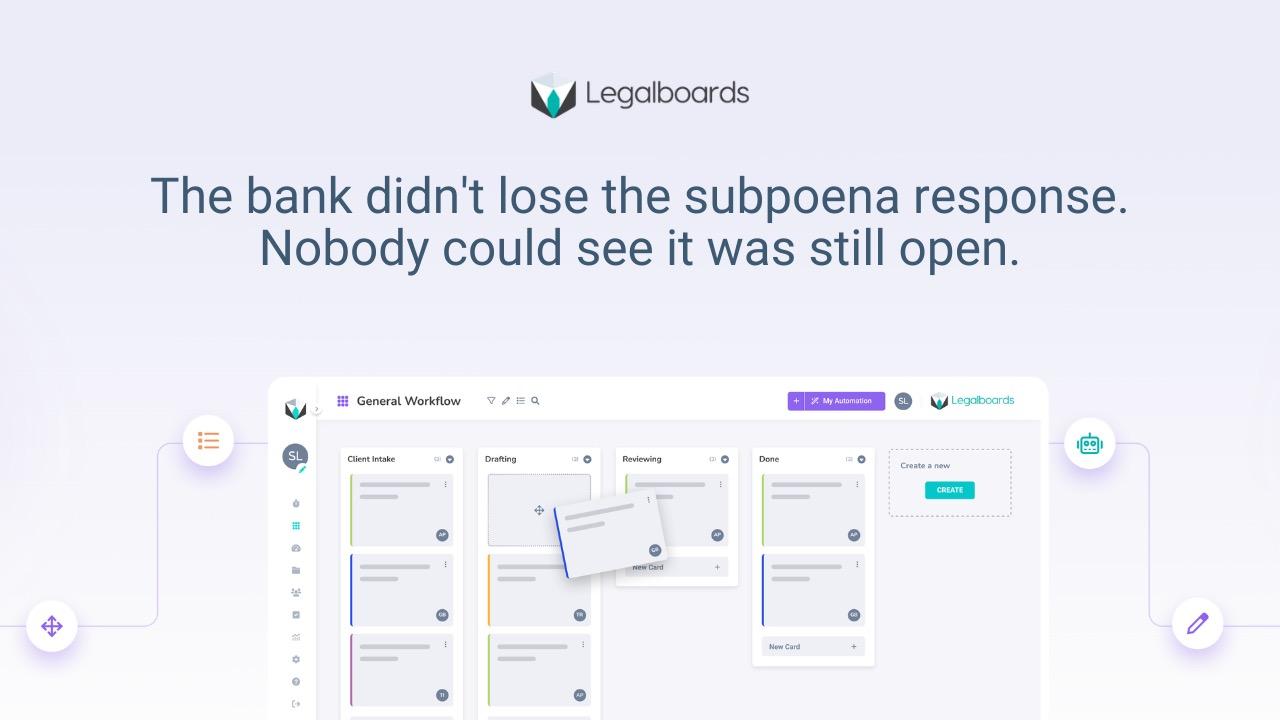
Keep documents tied to tasks and milestones in one visual workflow so everyone sees status, ownership, and next steps.
How can firms improve document management over the long term?
Treat document management as an operating system, not a one-time setup. Use templates, standard workflows, recurring reviews, and ongoing training.