
Deadline Tracking
Law Firm Deadline Tracking: Visibility is the Best Malpractice Defense.
Deadline tracking in a law firm is not just knowing the due date. It is knowing whether the work required to meet that date is actually moving forward.
Definition
Calendars tell you when something is due. They don't tell you if anyone has started, who owns the next step, or where the work stalled. That gap is where deadlines fail.
What is law firm deadline tracking?
Law firm deadline tracking is the practice of monitoring not just the due date of a court or filing deadline, but the status of the work required to meet it: who owns the next step, whether it has started, and where it may have stalled. A calendar entry marks when something is due. Deadline tracking shows whether it's actually on track to get there.
Is your deadline tracking broken?
If any of these sound familiar, the issue isn't your calendar — it's visibility and structure.
Warning signs
Your deadline tracking is broken if…
You need a meeting to confirm what is on track
You ask people for status instead of seeing it
You rely on reminders to stay safe
You don't know what is waiting or blocked right now
You feel close to deadlines even when work started early
The real cause
It's invisible waiting — not forgotten dates.
Most deadline risk is waiting nobody can see — for client input, partner review, signatures, a third party. When waiting is invisible, it only becomes urgent when it's almost too late.
The fix
Make every owner and handoff visible
Surface waiting states before they become urgent
See risk in the workflow — not at the due date
Deadlines fail because workflows are invisible.
Behind every deadline is a sequence of work. When that sequence isn't tracked, the deadline is unprotected.
Drafting Delays
Work hasn't started
Review Bottlenecks
Stuck in someone's inbox
Client Dependencies
Waiting with no follow-up
Handoff Gaps
No one owns the next step
Learn more: Workflow Automation · Operational Visibility
Why calendars fail as deadline tracking.
Deadlines don't fail at the due date. They fail in the drafting delays, the review bottlenecks, and the handoff gaps that no calendar can show.
Calendars Show Dates, Not Progress
A due date on a calendar tells you nothing about the work behind it. Has drafting started? Is the review complete? Calendars only ring when it's already urgent.
Stalled Work Is Invisible
A motion sitting in a partner's inbox for days doesn't trigger any alert. The stall is silent until it becomes a crisis.
Handoffs Have No Proof
A task marked 'done' doesn't mean the next person knows. There is no record of who moved it, when, or whether it reached the next stage.
Where deadline failures actually start
Deadline failures are rarely one large mistake. They are a chain of small invisible gaps.
Drafting is not assigned.
A deadline is calendared. Everyone feels safe. But the drafting has not been formally assigned, or it was assigned in an email thread with no due date. The date exists. The work does not.
Transitions between steps are not tracked.
Most firms focus on work inside a step — drafting, reviewing, filing. The real risk is what happens between steps. Waiting for partner review. Waiting for client approval. Waiting for filing confirmation. Work does not fail inside steps. It fails between them.
Waiting is invisible.
Most deadline risk is waiting. Waiting for client input. Waiting for a signature. Waiting for a third party. If waiting is not visible in the system, it does not exist until it becomes urgent. That is usually too late.
Ownership is implied, not explicit.
"Paralegal will remind me." "Someone will handle it." That is not ownership. It is a dependency on follow-up. When follow-up fails, the deadline fails.
What to look for in law firm deadline tracking software
Not every deadline tool solves the same problem. Before choosing one, check whether it does these four things:
Tracks the work behind the date, not just the date itself.
A tool that only stores a due date is a calendar with extra steps.
Flags stalled work automatically.
If a matter hasn't moved in your defined window, you should find out without asking.
Shows ownership at every stage.
Not just who's assigned to the matter, who owns the next specific action.
Connects to your case management system.
Court-rule calculators and calendars are useful for setting the date. Your deadline tracking should sync with the system that already holds your matter data, not run as a separate spreadsheet.
Track the work before the deadline, not just the date.
Real deadline tracking means seeing every stage between assignment and filing. If a stage stalls, the problem is visible before it becomes urgent.
Stage-Based Tracking
Every matter follows a defined sequence. You see work moving toward the deadline — not just the date itself.
Stale Matter Detection
When a matter stops moving, it's flagged automatically. No case sits idle without a visible warning.
Work Visibility, Not Just Data Sync
Your case management stores the record. This layer shows the movement — who is doing what, and where things stalled.
When a deadline fails, understand why.
Calendars are black boxes. A visual audit trail shows every transition, every owner, and every gap — so accountability is structural, not personal.
Surface risk before it becomes a missed deadline.
When matters are sorted by movement — not alphabetically — you see what needs attention first. Idle work surfaces automatically.
47
Active Matters5
At Risk8
Idle34
On TrackAll matters moving. No action required.
See how visibility drives firm-wide control: Operational Visibility · ROI Calculator
How deadline tracking applies across practice areas.
Different practice areas, same pattern: work must be visible before the due date.
Litigation
Discovery & Filing Deadlines
Track motions and discovery windows from assignment to filing. Every stage is visible — drafting, review, client approval, submission.
Estate Planning
Signing & Funding Coordination
Manage signing dates and funding deadlines. Visualize trust administration timelines and coordinate signatures across multiple parties.
Family Law
Court-Ordered Compliance
Monitor court-ordered dates and mediation windows. Track disclosures, evaluations, and hearing prep with clear ownership at every stage.
See how this applies to your role: For Managing Partners · For Office Managers · For Paralegals
Frequently asked questions about deadline tracking.
Common questions about moving from calendar-based tracking to workflow-based visibility.
Yes. The firm-wide risk view shows every active matter sorted by movement status — at risk, idle, or on track — across all practice areas and team members.
No. Court-rule calculators determine when deadlines are due. Legalboards tracks whether the work required to meet those deadlines is actually moving. They're complementary — one sets the date, the other protects it.
A calendar shows when something is due. Legalboards shows whether the work behind that deadline is progressing — who owns each step, what stage it's in, and whether it's stalled. Calendars alert at the deadline; workflows alert before it.
When a matter hasn't moved stages within your defined threshold (e.g., 48 hours), it's automatically flagged as stale. The assigned owner and their manager are notified. No manual check-in required.
By making workload visible. Managers can see who's overloaded before deadlines pile up. Work can be redistributed proactively instead of reactively — preventing the last-minute scrambles that cause stress and errors.
Yes. You define the idle threshold per stage or per practice area. When a matter exceeds that threshold, alerts are triggered automatically to the owner and optionally to the managing partner.
Look for four things: it tracks the work behind the deadline, not just the date; it flags stalled matters automatically instead of waiting for the due date to arrive; it shows who owns the next specific action, not just who the matter is assigned to; and it connects to your existing case management system instead of running as a separate spreadsheet.
Reminders only work if someone acts on them in time, and by the time a reminder fires, the work behind the deadline may already be behind schedule. The more reliable approach is tracking the stages of work leading up to the deadline, drafting, review, signature, filing, so a stall gets flagged days or weeks before the due date, not the morning of.
Read more on Deadline Tracking
 Blog
BlogHow Paralegals Track Deadlines Across Multiple Cases Without Losing Their Mind
How Paralegals Track Deadlines Across Multiple Cases Without Losing Their Mind
 Blog
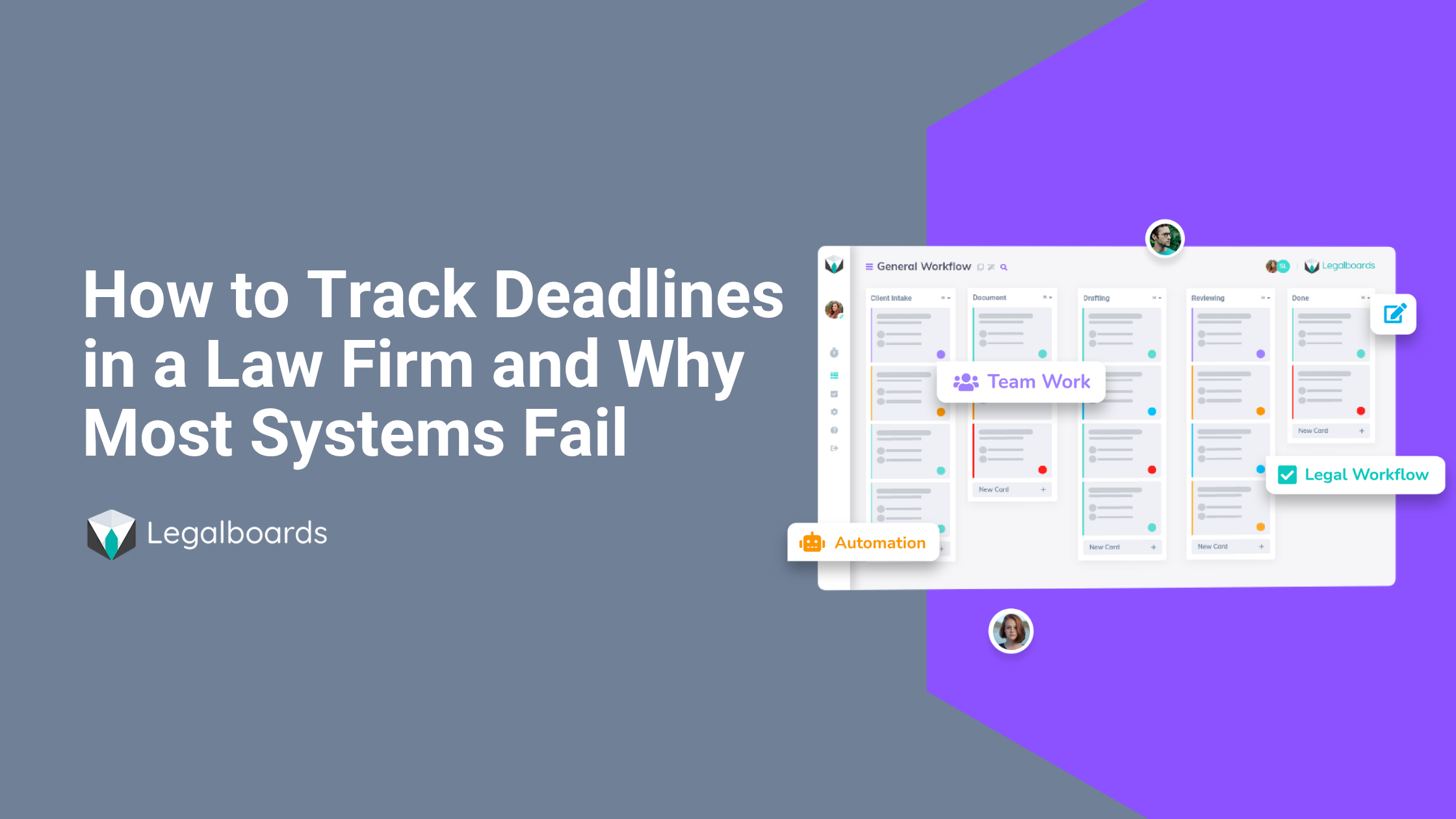
BlogTrack Deadlines in a Law Firm Without Relying on Memory
How to Track Deadlines in a Law Firm (And Why Most Systems Fail)
 Blog
BlogDeadline Drift: When a Court Date Changes
A rescheduled hearing isn't the problem. The problem is every task still built around the old date that nobody updated.
 Blog
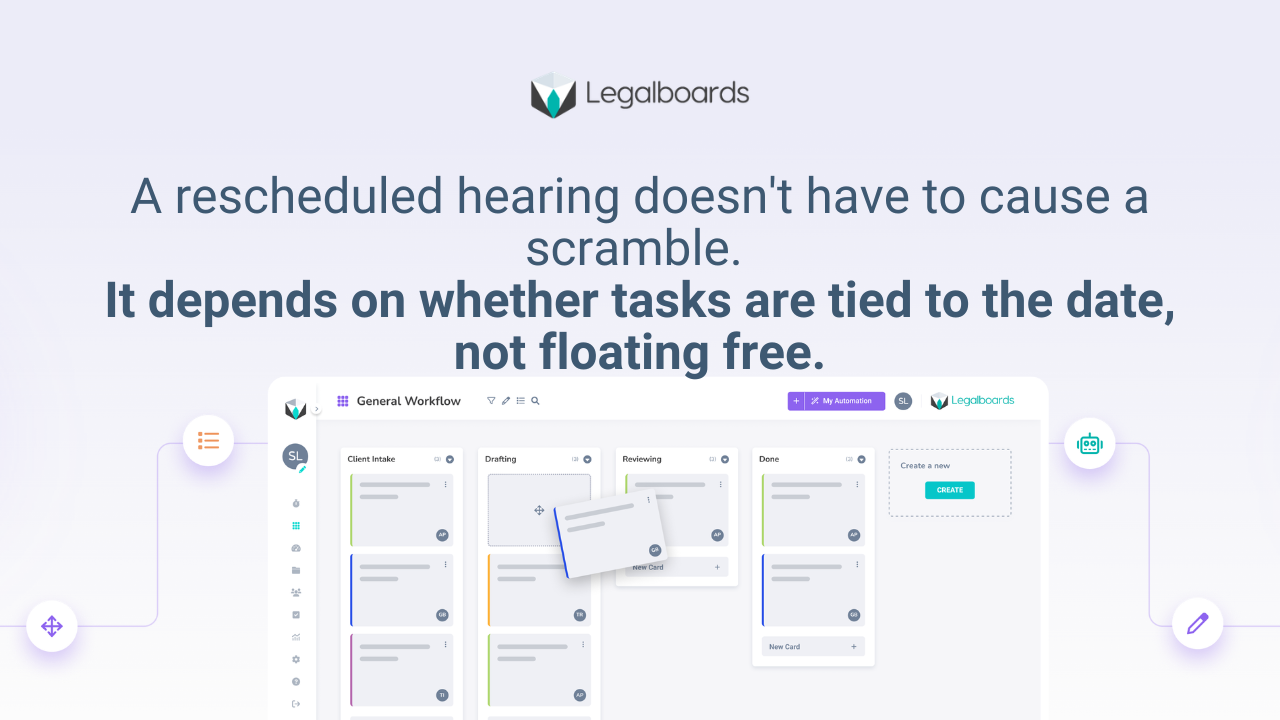
BlogDeadline System That Survives Calendar Changes
The difference between a firm that shrugs off a rescheduled hearing and one that scrambles is whether tasks are attached to the date or floating free.
 Blog
BlogWhen a Court Date Changes and Nobody Updates the File
A hearing gets rescheduled, the calendar gets updated, and every task tied to the old date keeps running anyway.
 Blog
BlogWhy Law Firm Deadlines Fail Before the Due Date
Most law firm deadlines fail not because the date was unknown — but because the work before it was invisible. Here is where deadline failures actually start.